Understanding File Hashes in Cybersecurity
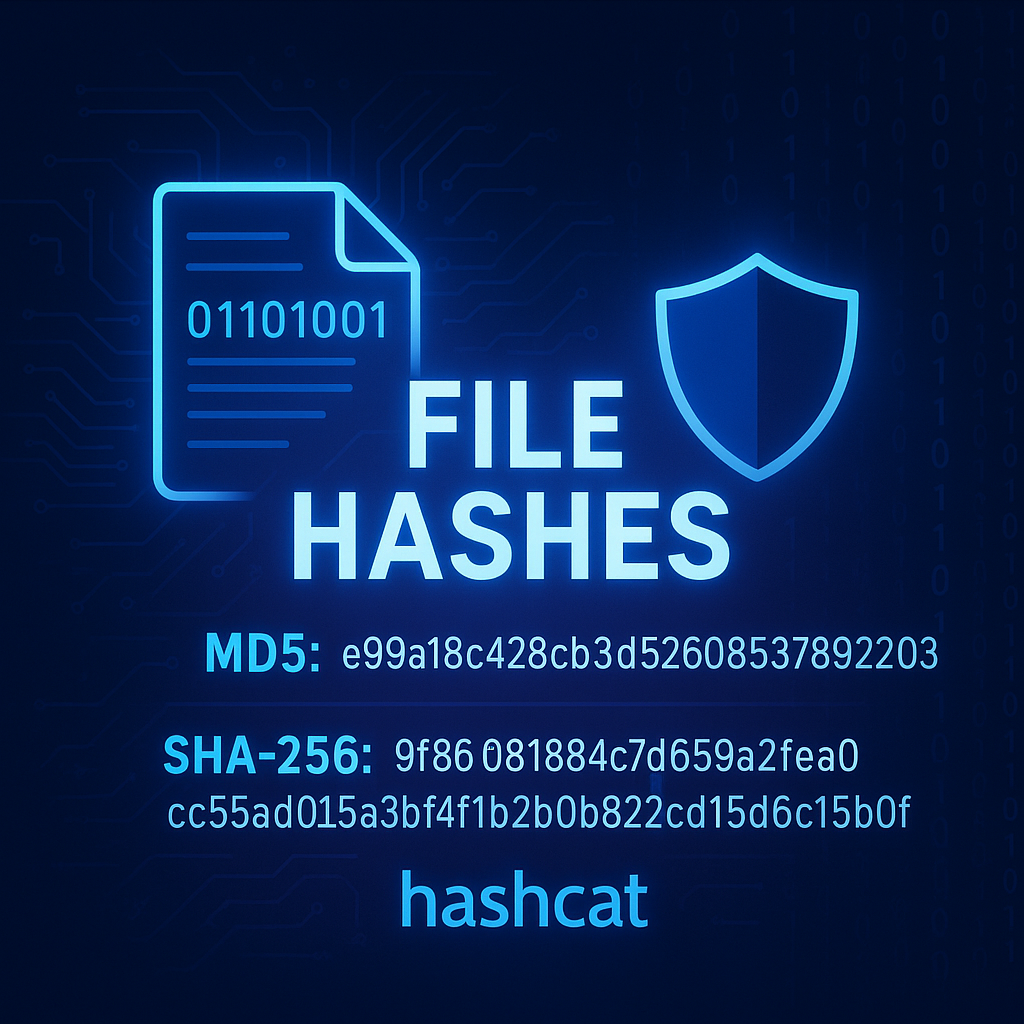
Understanding File Hashes in Cybersecurity
In the world of cybersecurity, file hashes play a vital role in ensuring the integrity and authenticity of data. Whether you’re verifying a download or investigating a malware infection, hashes provide a digital fingerprint of a file that can be used to identify tampering or corruption.
What is a File Hash?
A file hash is a fixed-length string of characters generated by a hash function. Hash functions such as MD5, SHA-1, or SHA-256 take input data (like a file) and produce a unique output. If even one byte of the file changes, the resulting hash will be completely different.
Some common hashing algorithms:
- MD5: 128-bit hash value (often used, but considered cryptographically broken)
- SHA-1: 160-bit (deprecated for security applications)
- SHA-256: 256-bit (widely used and recommended for strong integrity checks)
Why Hashes Matter in Cybersecurity
Hashes are essential for:
- File integrity verification: Ensuring that a file hasn’t been tampered with or corrupted.
- Password storage and cracking: Passwords are often stored as hashes in databases.
- Digital forensics and malware analysis: Comparing file hashes against known malware signatures.
- Threat Intelligence: Identifying known malicious files by their hashes.
How to Generate File Hashes
Using PowerShell (Windows)
PowerShell provides a simple way to generate hashes:
1
Get-FileHash -Path "C:\Path\To\File.exe" -Algorithm SHA256
Example Output:
1
2
3
Algorithm       Hash                                                                   Path
---------       ----                                                                   ----
SHA256          3A7BD3E2360A3D5AD89A5F5036BB2F88DB8F684B71A5EAE134DE1B3BAFCA7D1E       C:\Path\To\File.exe
You can change the -Algorithm parameter to MD5, SHA1, or SHA256.
Using Kali Linux (Linux/macOS)
You can use built-in tools like md5sum or sha256sum:
1
2
3
4
5
# MD5
md5sum file.bin

# SHA256
sha256sum file.bin
Example Output:
1
2
e99a18c428cb38d5f260853678922e03  file.bin  # MD5
9f86d081884c7d659a2feaa0c55ad015a3bf4f1b2b0b822cd15d6c15b0f00a08  file.bin  # SHA256
Tools to Check Hashes
If you’d like to verify file hashes using third-party tools, here are a few trusted options:
Third-Party Tools
- HashMyFiles (NirSoft): A lightweight Windows utility that displays MD5/SHA1/SHA256 hashes.
- QuickHash GUI: A cross-platform GUI hash checker for Windows, macOS, and Linux.
- CertUtil (Windows built-in) (useful for legacy systems):
certutil -hashfile file.exe SHA256
Checking Hashes Online with VirusTotal
VirusTotal is a free online service that analyzes files and URLs for viruses, worms, trojans, and other kinds of malware. You can upload a file or simply paste a file hash (MD5/SHA1/SHA256) into the search bar.
Example Usage:
- Navigate to VirusTotal Search
- Paste your file hash (e.g.,
3A7BD3E2360A3D5AD89A5F5036BB2F88DB8F684B71A5EAE134DE1B3BAFCA7D1E) - Review detection results from dozens of antivirus engines
Advanced Hash Cracking: Hashcat
Hashcat is one of the most powerful password recovery tools available. It’s widely used by penetration testers and ethical hackers to crack hashed passwords using wordlists and GPU acceleration.
While it’s beyond the scope of this blog to dive deep into hash cracking, it’s important to understand that hashes (especially weak ones like MD5) can be cracked using brute-force or dictionary attacks.
Here’s a basic example:
1
hashcat -m 0 -a 0 hashes.txt rockyou.txt
-m 0: Hash mode for MD5-a 0: Attack mode (dictionary)hashes.txt: File containing hashed passwordsrockyou.txt: A commonly used wordlist (found in/usr/share/wordlists/on Kali Linux)
⚠️ Note: Use hashcat only in legal and ethical environments (e.g., during authorized penetration testing).
Summary
| Use Case | Tool | Platform |
|---|---|---|
| Generate SHA256 | PowerShell (Get-FileHash) | Windows |
| Generate MD5/SHA256 | md5sum / sha256sum | Linux |
| GUI Hash Tool | HashMyFiles | Windows |
| Online Threat Detection | VirusTotal | Web |
| Password Cracking | Hashcat | Linux/Windows |
File hashes are critical in ensuring data integrity and detecting unauthorized modifications. By mastering hash tools and verification techniques, cybersecurity professionals can more effectively defend against and investigate malicious activity.